

TK - Special Editor - bulk promotion management
Set special prices for multiple OpenCart products at once. Choose products, promotion dates, customer group and priority.
Set up special prices for selected products together.
TK - Special Editor </> TKdemo
Password:
demo
What you get
- A percentage discount or a fixed promotional price.
- Selection by category, manufacturer or individual products.
- Start and end dates, customer group and priority.
- An option to remove previous promotions for selected products.
Suitable for
Stores running frequent campaigns, seasonal sales and customer-group offers.
Before you buy
Check the dates, customer group and the option for removing previous promotions before applying the campaign.
Final price including VAT
Free installation and configuration included
Domain, subdomains and multistore
One licence covers the domain and all its subdomains. For a multi-store setup, purchase the extension only for the main domain; all other stores receive it free of charge.
Leave a recommendation
What this extension does
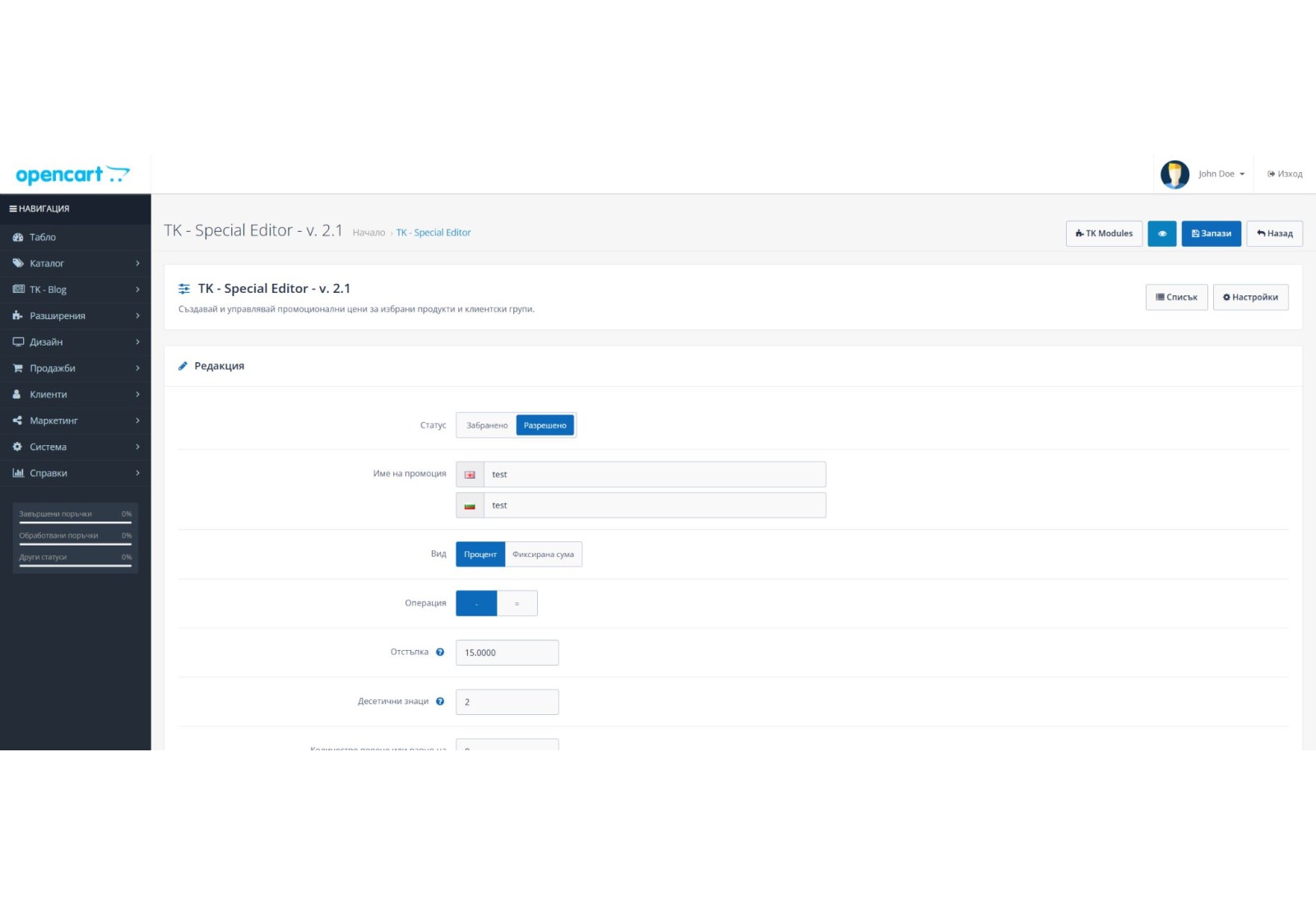
Set special prices for selected products together, with start and end dates, a customer group and priority.
Setting special prices
Special prices can be calculated in two ways:
- reduce the current price by a percentage;
- set a specific fixed special price.
Apply a percentage discount to a large group of products or set the same final price for selected items.
Selecting products
Choose the products for a promotion using several criteria:
- all products;
- products in a selected category;
- products from a selected manufacturer;
- a combination of category and manufacturer;
- individually selected products.
Promotion settings
Each campaign supports the standard OpenCart promotion settings:
- priority;
- customer group;
- start date;
- end date.
Prepare seasonal campaigns, customer group discounts and time-limited promotions in advance.
Control over existing promotions
When creating a campaign, you can choose to remove existing promotions from the selected products. This prevents unwanted or outdated special prices from accumulating.
Enable or pause a campaign
When a campaign is enabled, its special prices are added to the products' standard OpenCart special price fields.
Disabling a campaign removes its special prices from the products but keeps the campaign settings in the module. You can edit and reactivate it later.
Reuse the same settings for a future seasonal or holiday campaign.
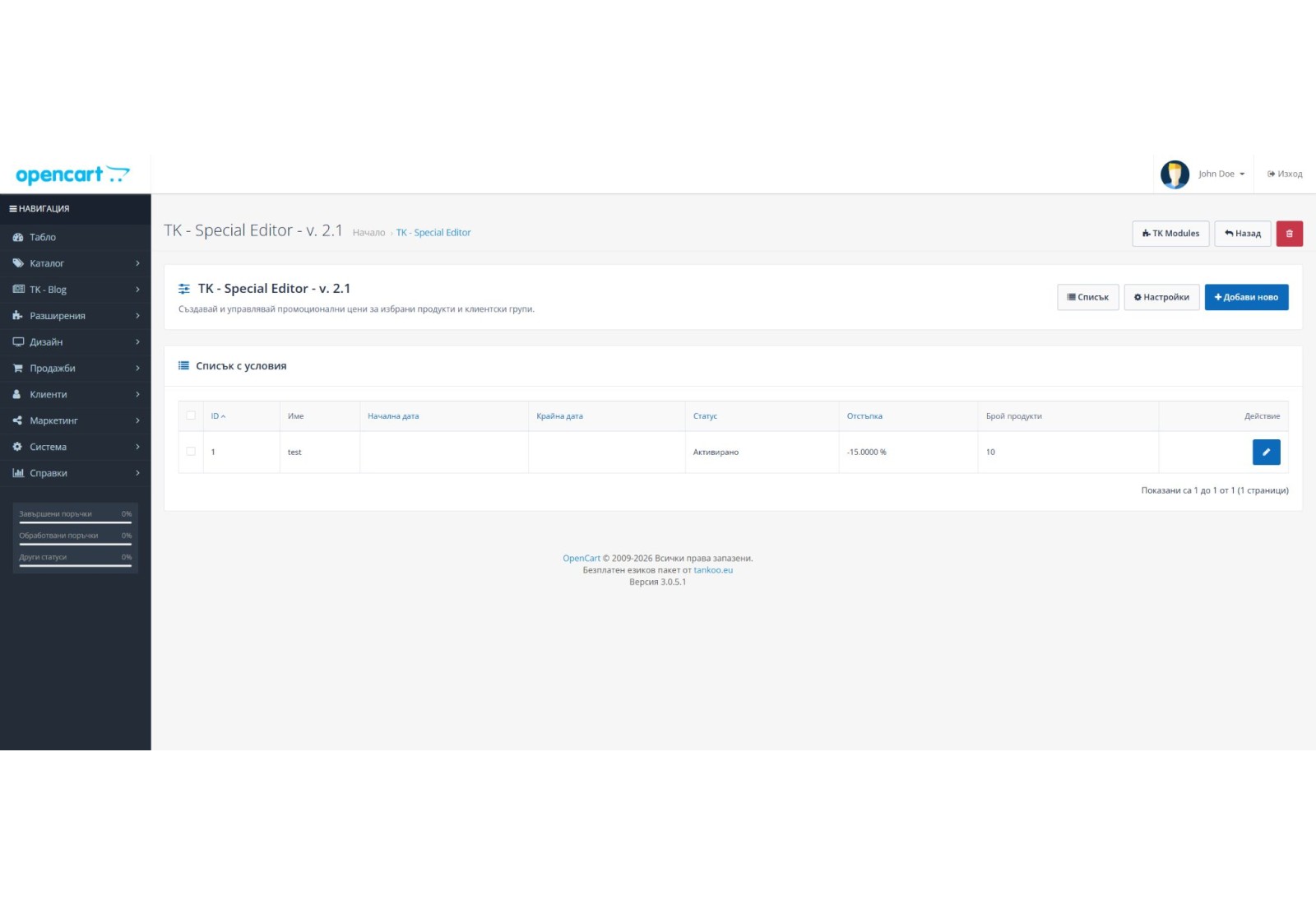
Manage campaigns in one list
All campaigns appear in a list where you can edit, enable, disable or delete them.
Deleting a campaign also removes the special prices it added to products.
Preview
Before starting a campaign, use the preview to see the affected products, their current prices and their calculated special prices.
Review the calculated prices before enabling the campaign.


Installation with TK - Modules
TK - Modules is the free installer for installing and updating my OpenCart extensions. It gives you access to the modules activated for your domain.
- Download and install TK - Modules for your OpenCart version.
- Enter your API token and click Check for modules.
- Select the module you purchased from the list and start the installation.
View TK - Modules and installation instructions
Paid modules include free installation and configuration.
User permissions
In User Groups, grant access and modify permissions for the module's new pages.
Installation and activation
In the extensions section, find TK Special Editor. Install the module and open its settings.
Enter the activation token provided to you. It is checked through the API and validated for your domain.
Your first promotional campaign
Create a campaign, select the products and choose how to calculate the special price. Check the preview before enabling the campaign.
Change history
Version 2.2
- Refreshed the admin panel for easier management of special prices.
Version 2.0
- bulk creation of special prices;
- percentage discounts or fixed special prices;
- selection by category, manufacturer or individual products;
- customer group, priority and date range settings;
- preview of the results;
- enable, disable, edit and delete campaigns;
- support for OpenCart 2.0, 2.1, 2.2, 2.3 and 3.x.
